


How do I register and create an account?
Step 1: Sign-up at https://booktelemed.com
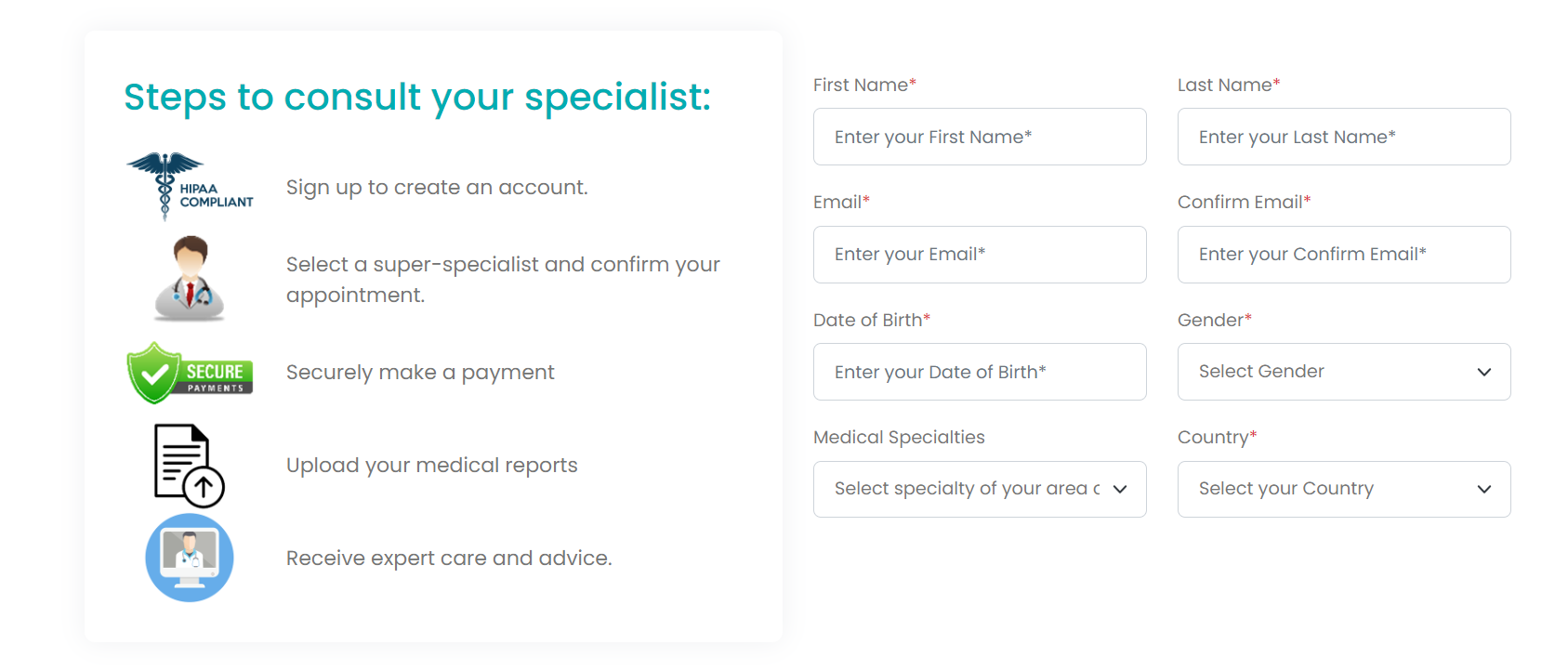
Step 2: You’ll receive 2 Emails
-
From hello@booktelemed.com with subject: BookTeleMed.com welcomes you! Quick Guide for Specialist Consultations
- This email shows quick steps to set up your account in our Telehealth portal and consult your healthcare specialists.
-
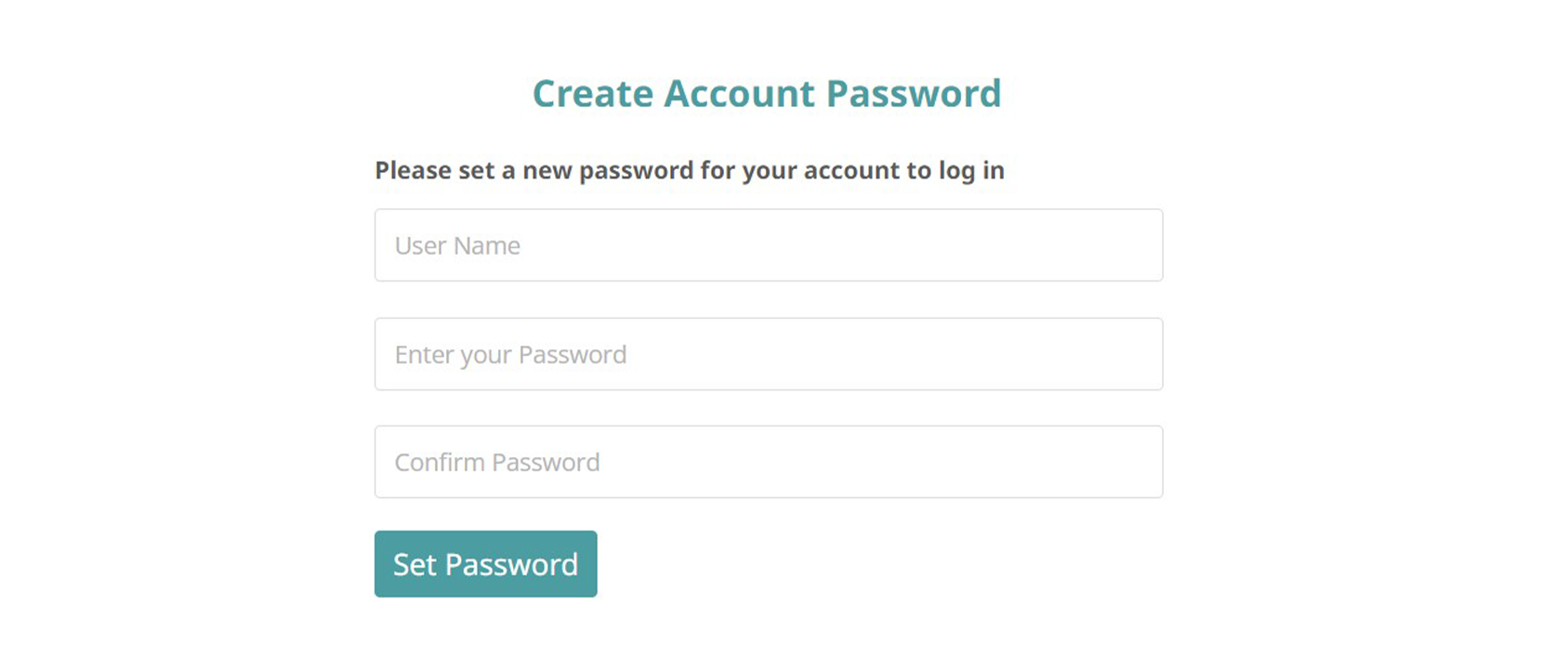
From no-reply@booktelemed.com with subject: You have been invited to join Healthy CosmosTM Private Limited
- This email will ask you to verify your email andto set a secure password to log into your account.
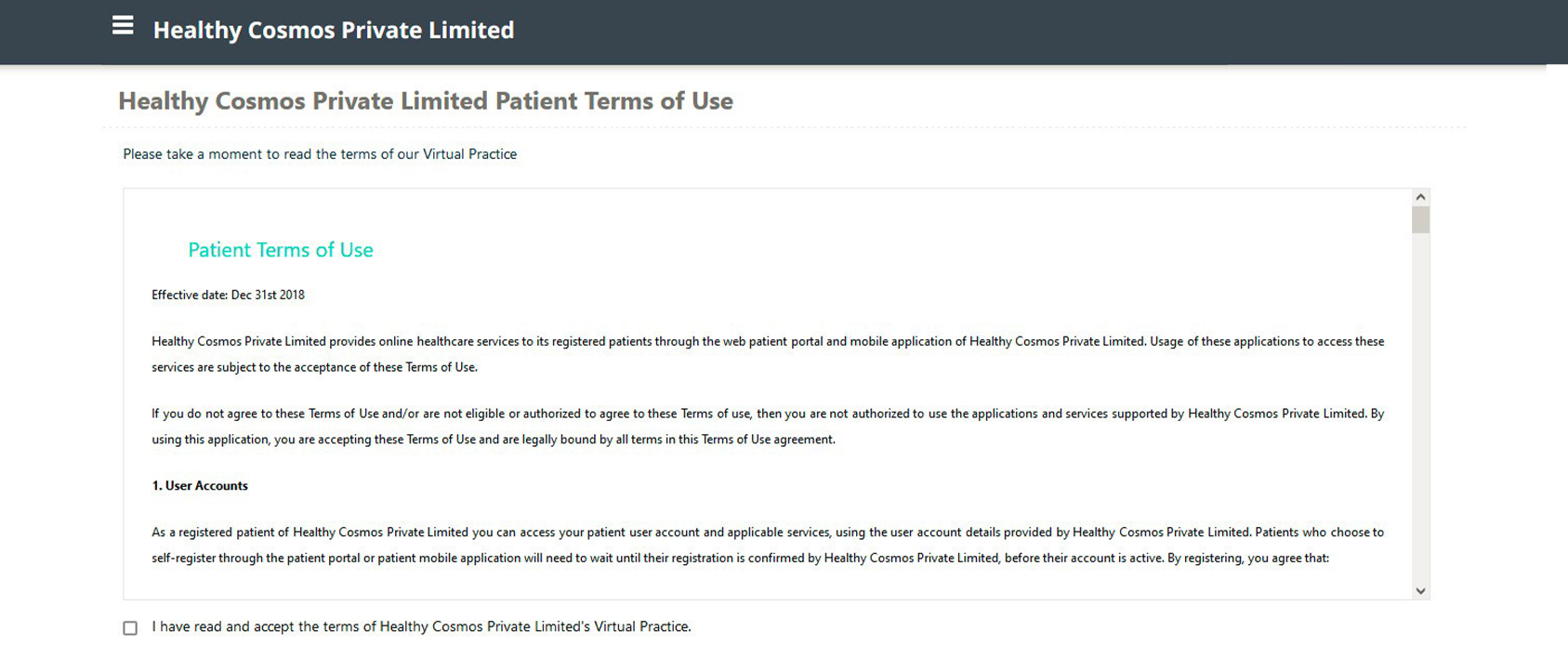
Step 3: You’ll be asked to review and agree to our terms and conditions.
Step 4: By using your password, you can now log into Healthy Cosmos’TM Telehealth Portal.
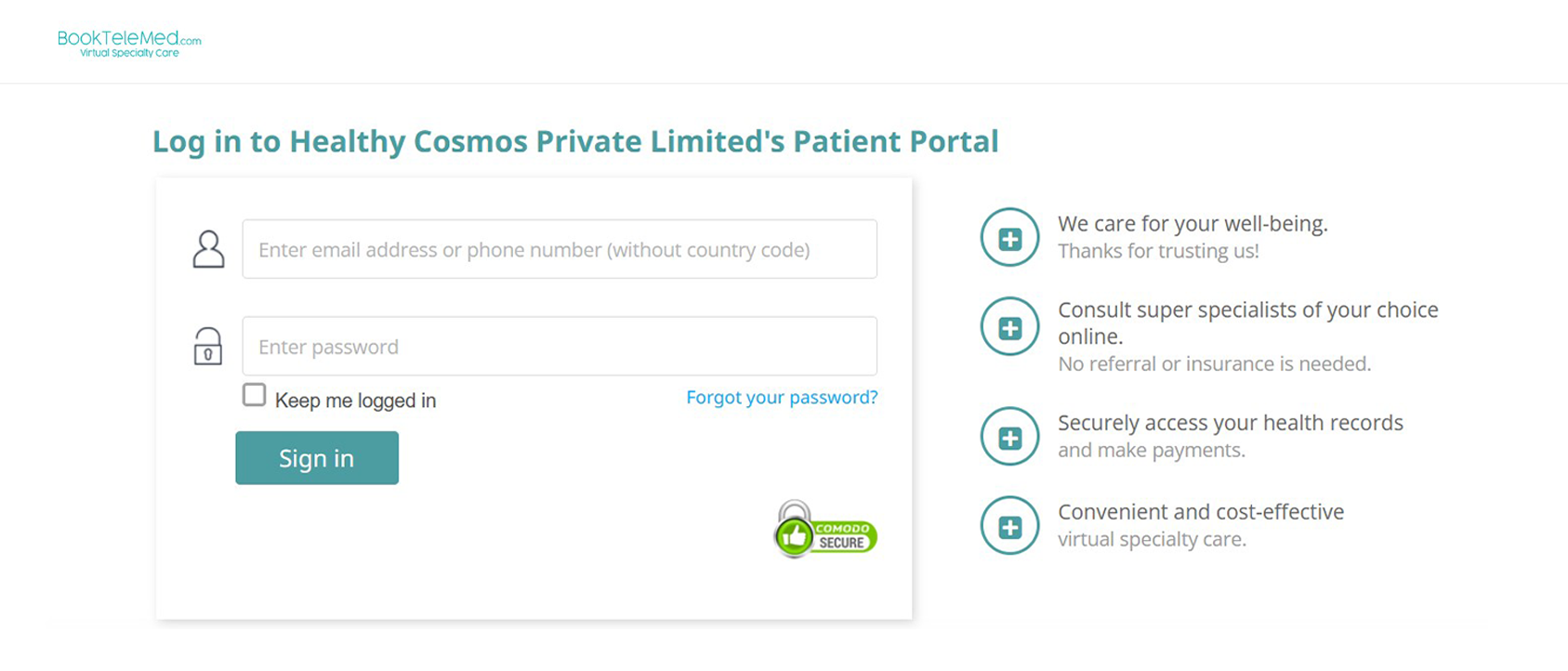
Congratulations! At this point, the patient registration process has been successfully completed and you can login to the patient portal https://patients.booktelemed.com anytime to upload/mange your health records, book your appointments and make secure payments.
How do I book my appointment with the specialist?
Step 1: To book an appointment, log in to our patient portal https://patients.booktelemed.com and search for the healthcare specialist of your area of concern from the HealthCare Providers section
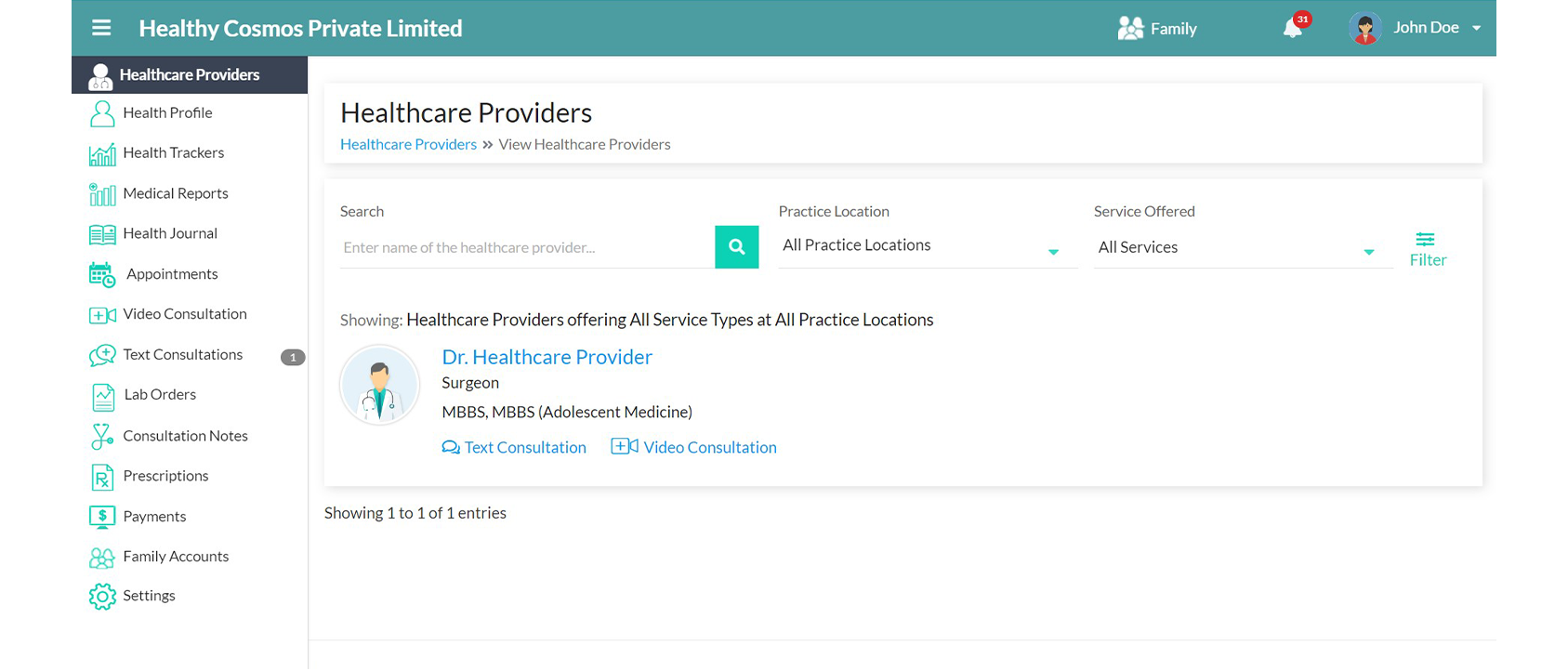
Step 2: Select the date and time for your appointment and proceed to the Payment button to complete the booking.
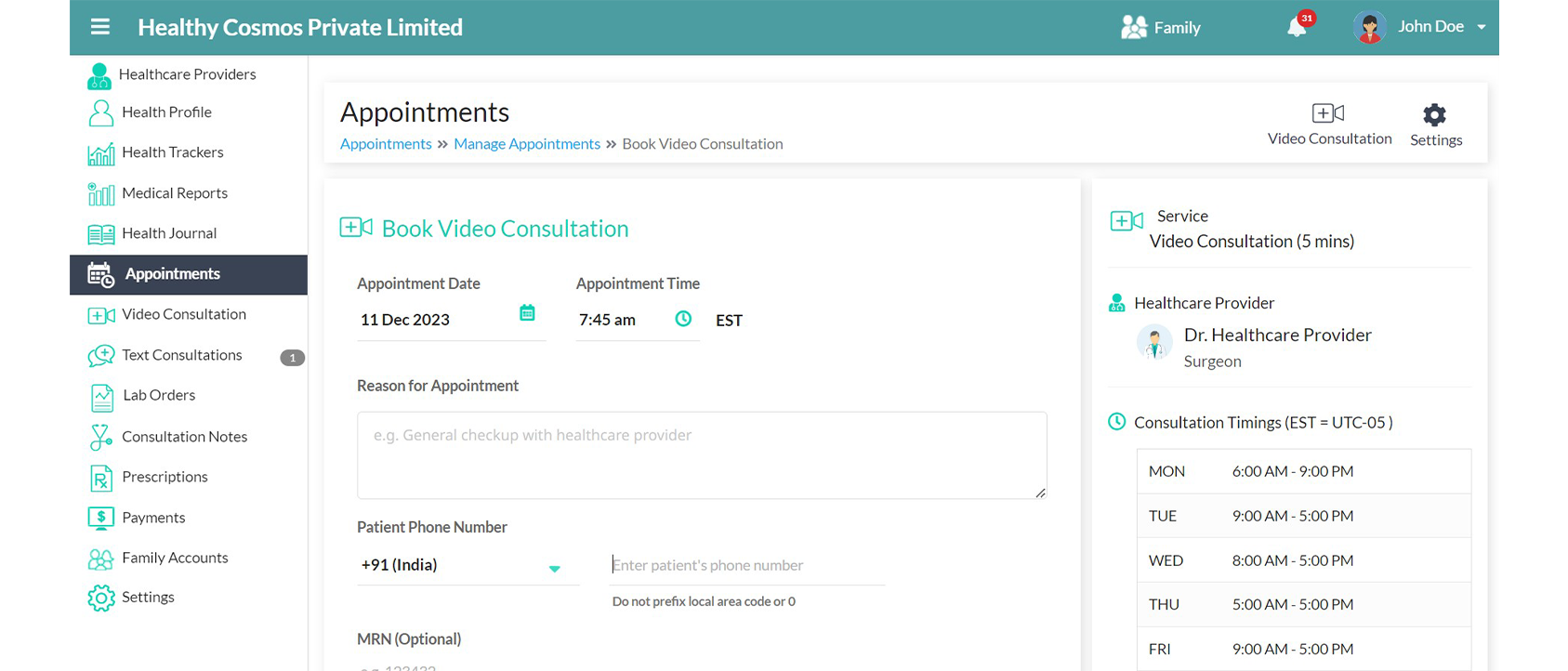
Complete the payment process to confirm your video consultation.
Payment Process
- After clicking "Proceed to Payment," you will be redirected to Stripe’s Secure payment gateway, where you are required to enter your credit/debit card details as well other required information by the financial institutions and click "Confirm Order”.
- Once your payment is successfully processed, your appointment will be confirmed.
View Scheduled Appointments
To view your confirmed appointment, click on "View Appointments" located on the payment window or go to the Appointments section.
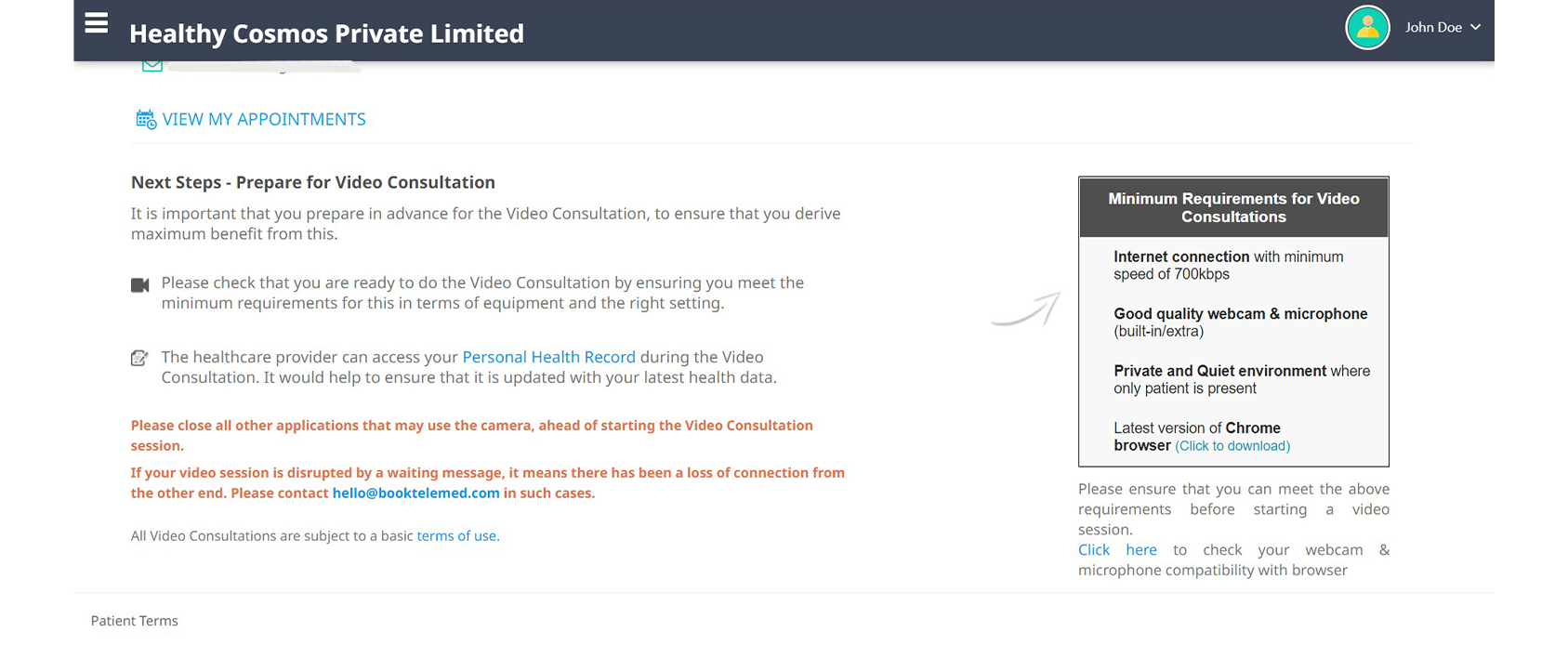
To start a video consultation, click on the "START VIDEO CALL” button.
Text Consultation
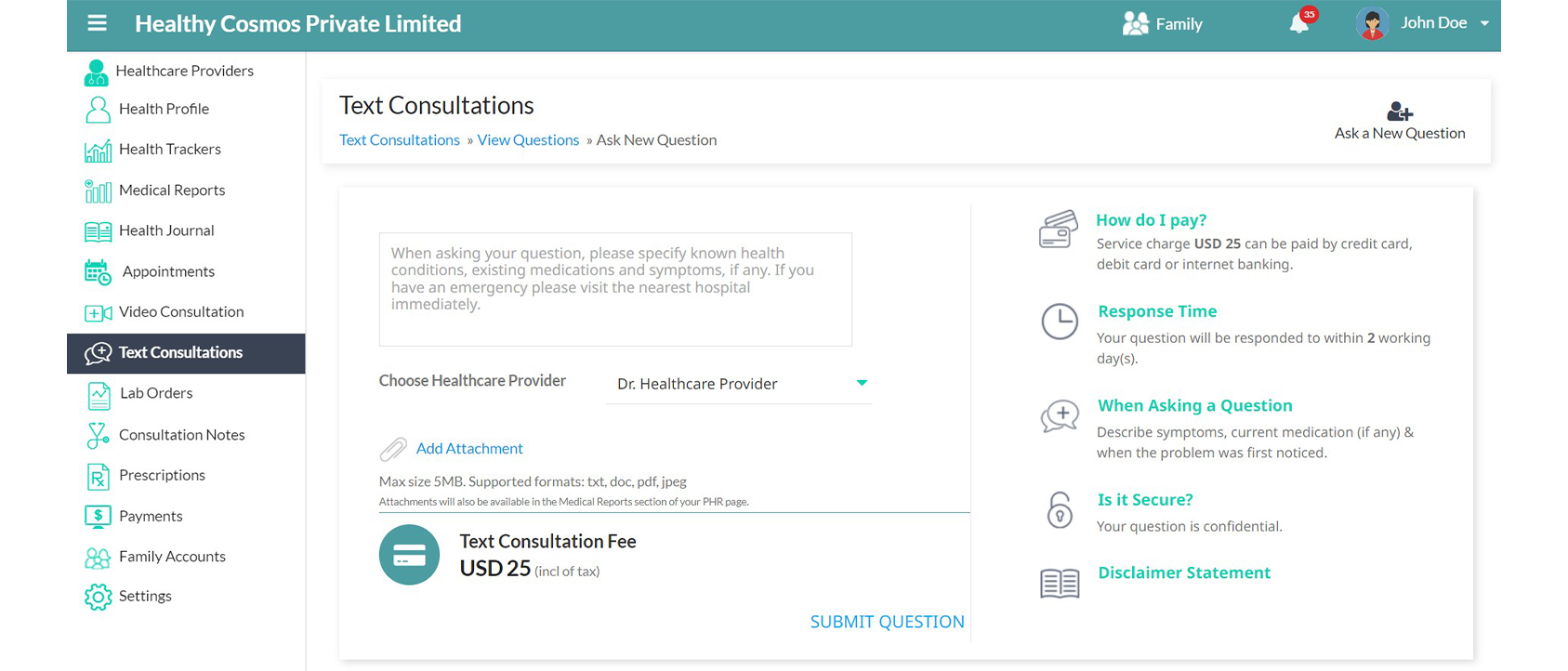
Quick follow-ups with your specialists are also possible through TEXT consultations, where you can have back and forth with your specialist for up to four times in one go, through text. To initiate a Text consultation, navigate to the Text consultation menu and click on "Ask a new question".
Cancellation and Rescheduling
- Once an appointment is confirmed by the doctor and patient, a video consultation cannot be rescheduled by either of them.
- If the doctor fails to attend the consultation, the healthcare provider can request to reschedule the appointment with the patient.
For more details, please refer to our Refund and Cancellation Policy.
